Skip to content

PANEL INTERVIEWS AND SCHEDULING

Panel interviews, booked and ready.

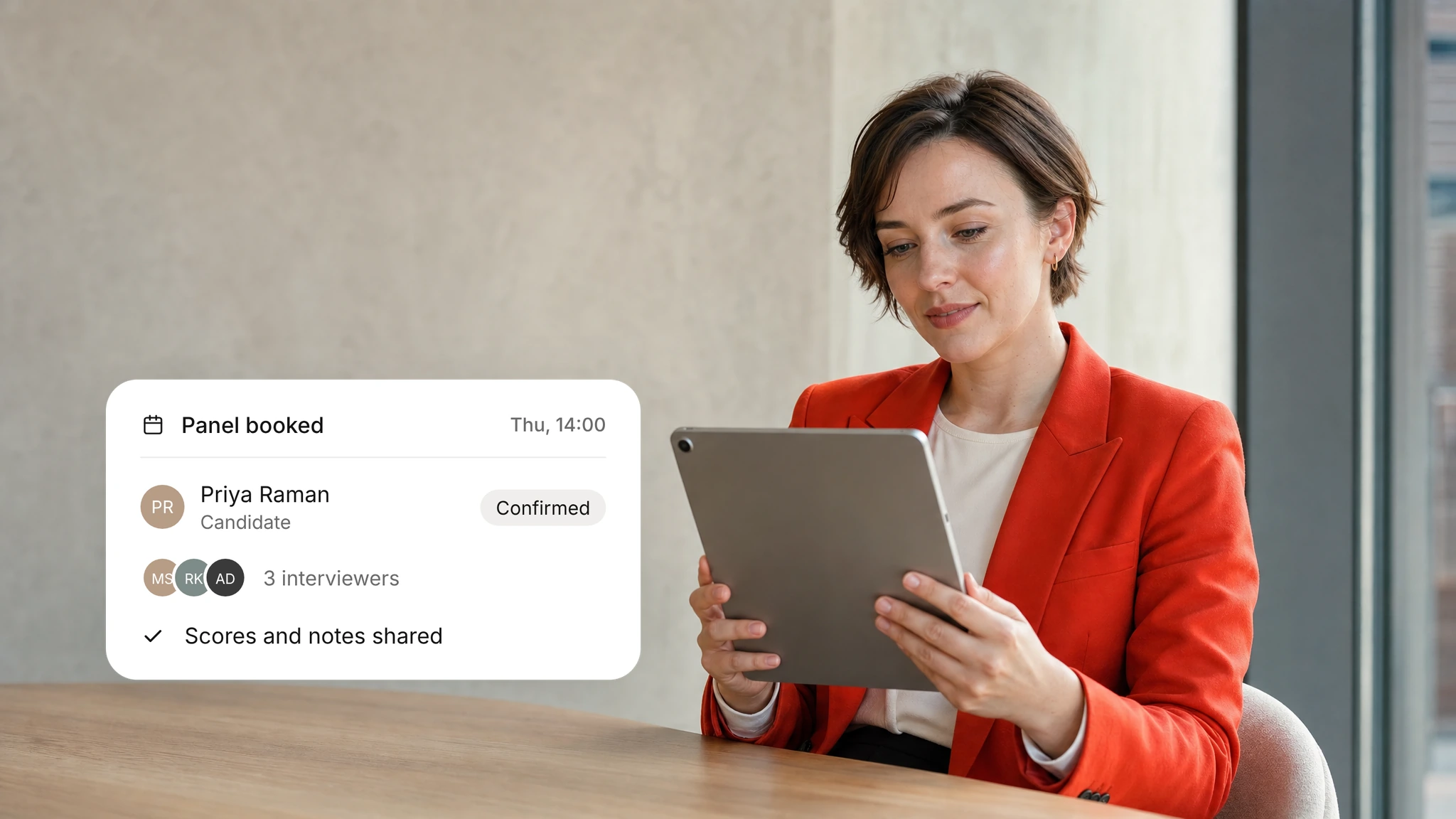
Coordinator books panel interviews around candidate and interviewer availability and sends reminders. Your interviewers run the conversation and decide the outcome.
WHY IT MATTERS

Panels that start prepared
Panels you define

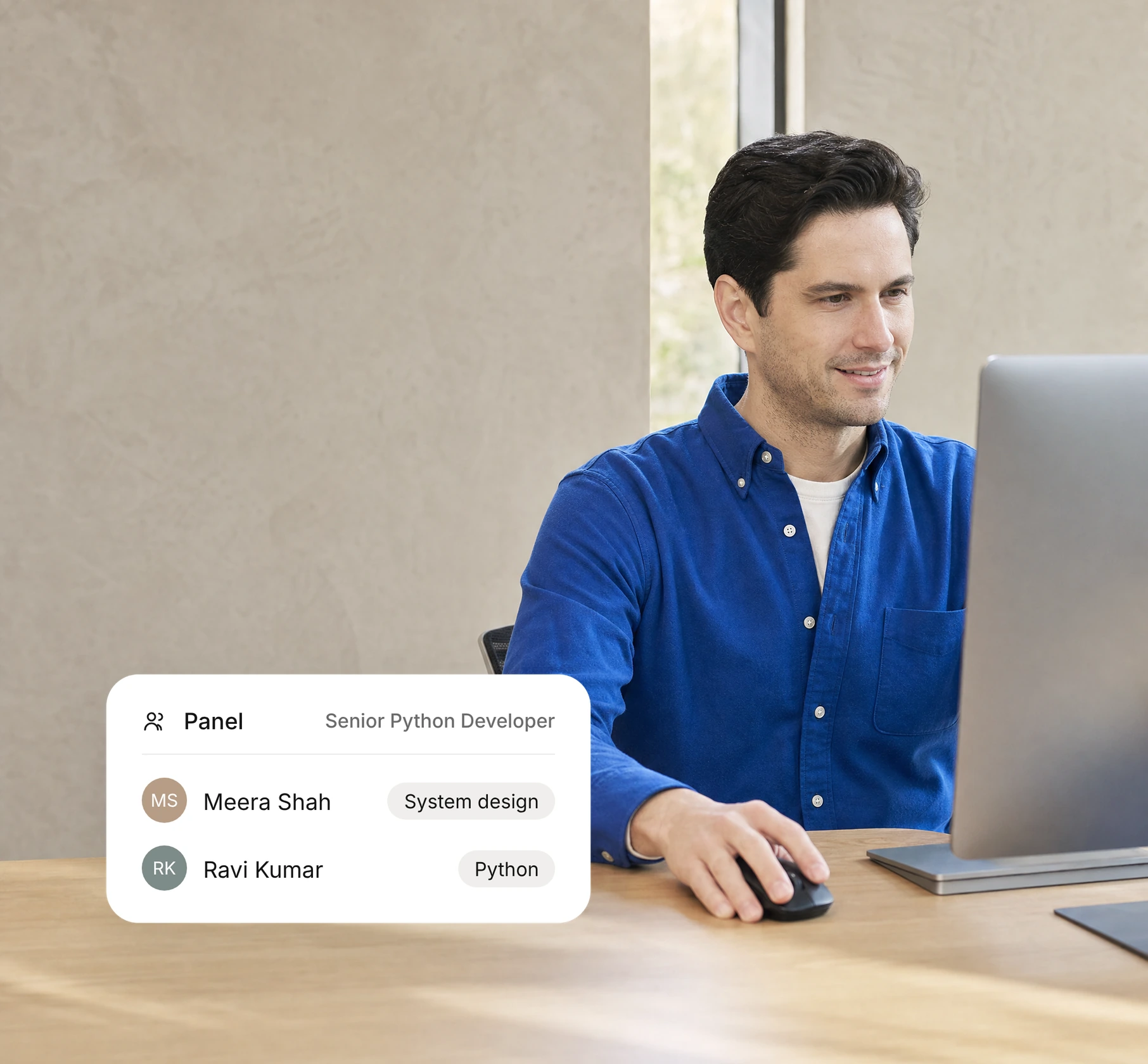
Your team decides who sits on each panel and what they assess.

AI Interviews

01

Less coordination

Invitations, reminders and reschedules run without manual follow-up.

02

Prepared interviewers

Each panel sees the candidate's scores and interview notes before the conversation.

03

Human decisions

Your panel decides who progresses; scheduling only supports the process.

The AI employees behind panel scheduling

Coordinator AI employee

Coordinator

Books interviews, sends reminders and keeps candidates informed.

Hiring workflow

View role
Panel Analyst AI employee

Panel Analyst

Assembles the evidence for the panel decision.

Hiring workflow

View role
Report Analyst AI employee

Report Analyst

Answers questions about a candidate report with citations.

Insight and governance

View role

HOW IT WORKS

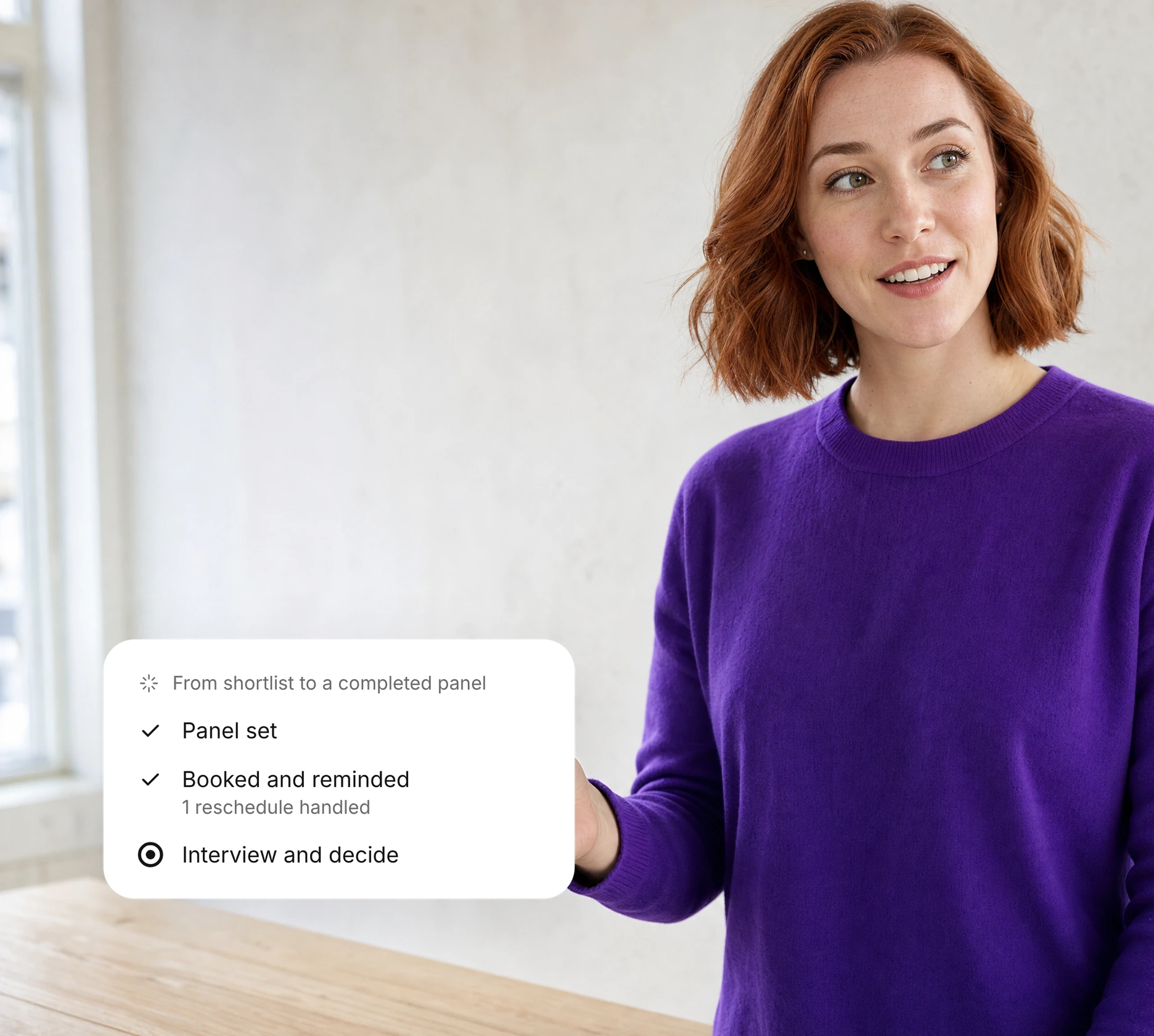
From shortlist to a completed panel
01

Set the panel

Agree on interviewers, interview formats, and scheduling preferences based on the role requirements.

02

Book and remind

Coordinator identifies suitable time slots, sends interview invitations, and manages rescheduling when needed.

03

Interview and decide

Your panel conducts scheduled interviews, records individual feedback, and collaboratively determines the candidate’s next step.

HUMAN CONTROL

Coordinator books. Your panel decides.

01

Set the rules

Your team approves calendars, time zones and booking windows.

02

Approve changes

Reschedules and exceptions follow the rules your team agrees.

03

Keep the record

Each booking and change stays in the candidate's history for later review.

Continue the hiring workflow

01Connect your systems

AI Interviews

Conduct structured AI interviews to evaluate candidate skills and role fit.

Interview Reports

Review interview performance, evaluation scores, and actionable insights.

Decision Room

Bring candidate evidence together to make informed hiring decisions.

FAQ

Scheduling questions

What to know about setup, rollout and who makes the decisions.
What does Coordinator do?
Coordinator books interviews, sends reminders and keeps candidates informed within the rules your team sets.
Does scheduling make the hiring decision?
No. Your interviewers run the conversation, record feedback and decide the next step.
Which calendars are supported?
Supported calendars depend on your configuration. Confirm Microsoft 365 or other calendar access during your demo.
What happens when someone needs to reschedule?
Coordinator offers new times within the windows your team approves and updates everyone involved.
What do we need to get started?
Named interviewers, panel formats, availability rules and calendar access.
How should we measure panel coordination?
Compare scheduling effort, completed panels and missed handoffs against your starting baseline.
How should we define evaluation criteria?
Agree on the role requirements and how candidates will be scored before you start. Your team approves the criteria and makes every hiring decision.
What should we discuss before rollout?
Walk through scope, users, integrations, data handling and success measures with our team before you agree a rollout plan.
How should candidate information be reviewed?
Review the scores and interview notes against your hiring policies. A recruiter checks gaps and open questions before deciding the next step.
Where can we review security information?
Start with the Trust Center, then walk through your security review with our team.
How are uncertain results handled?
Treat missing or unclear information as a question to investigate. Ask the candidate for clarification through the appropriate hiring step.
What should our team confirm about data handling?
Agree on access, retention and deletion rules with our team before you share candidate data or connect your systems.