Skip to content

HOW IT WORKS

How Smaya runs a hiring journey.

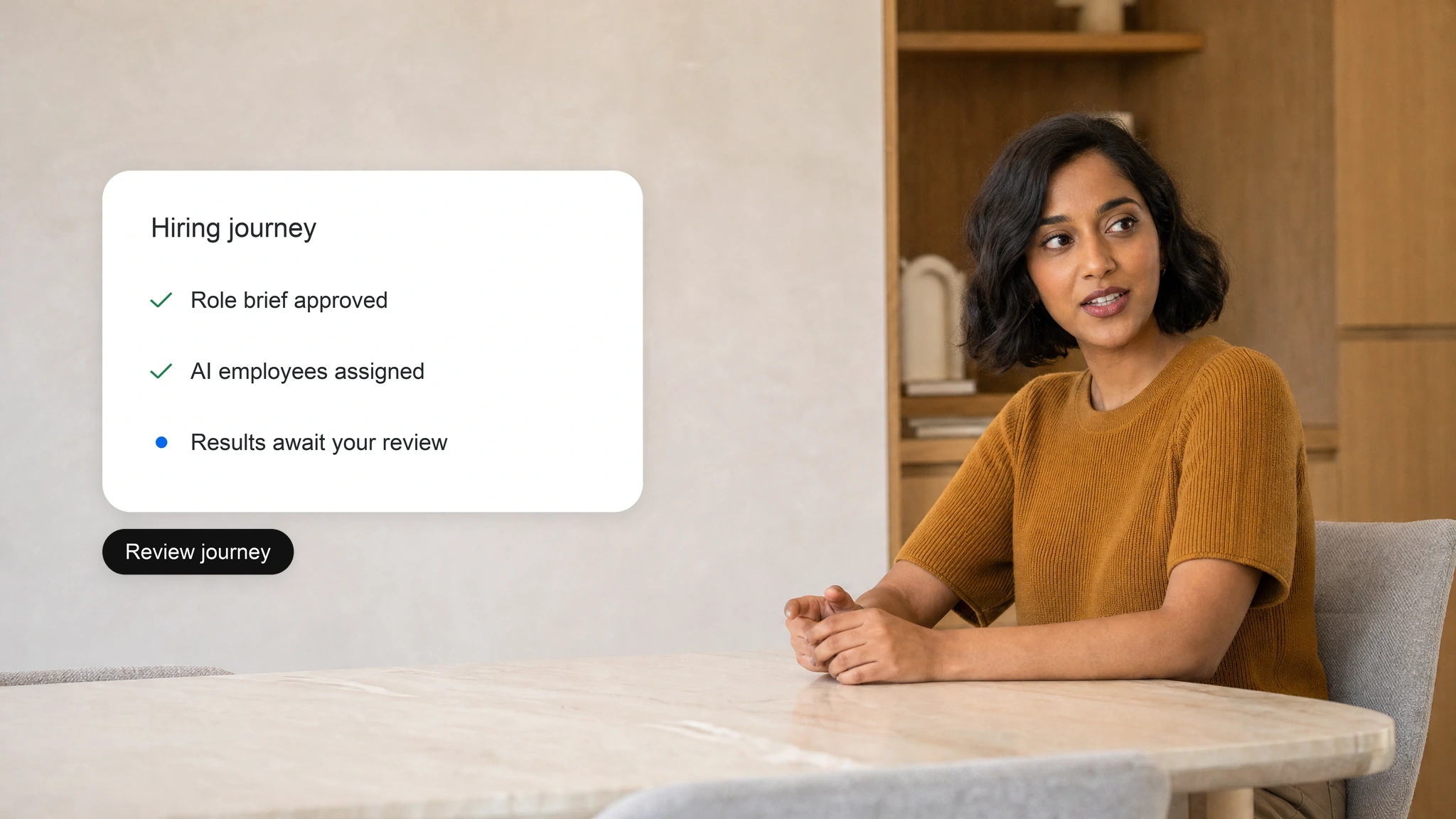
Smaya reads your approved role, assigns AI employees, works in the systems you connect and records every step. Your team sets the limits and approves the outcomes.
THE LOOP

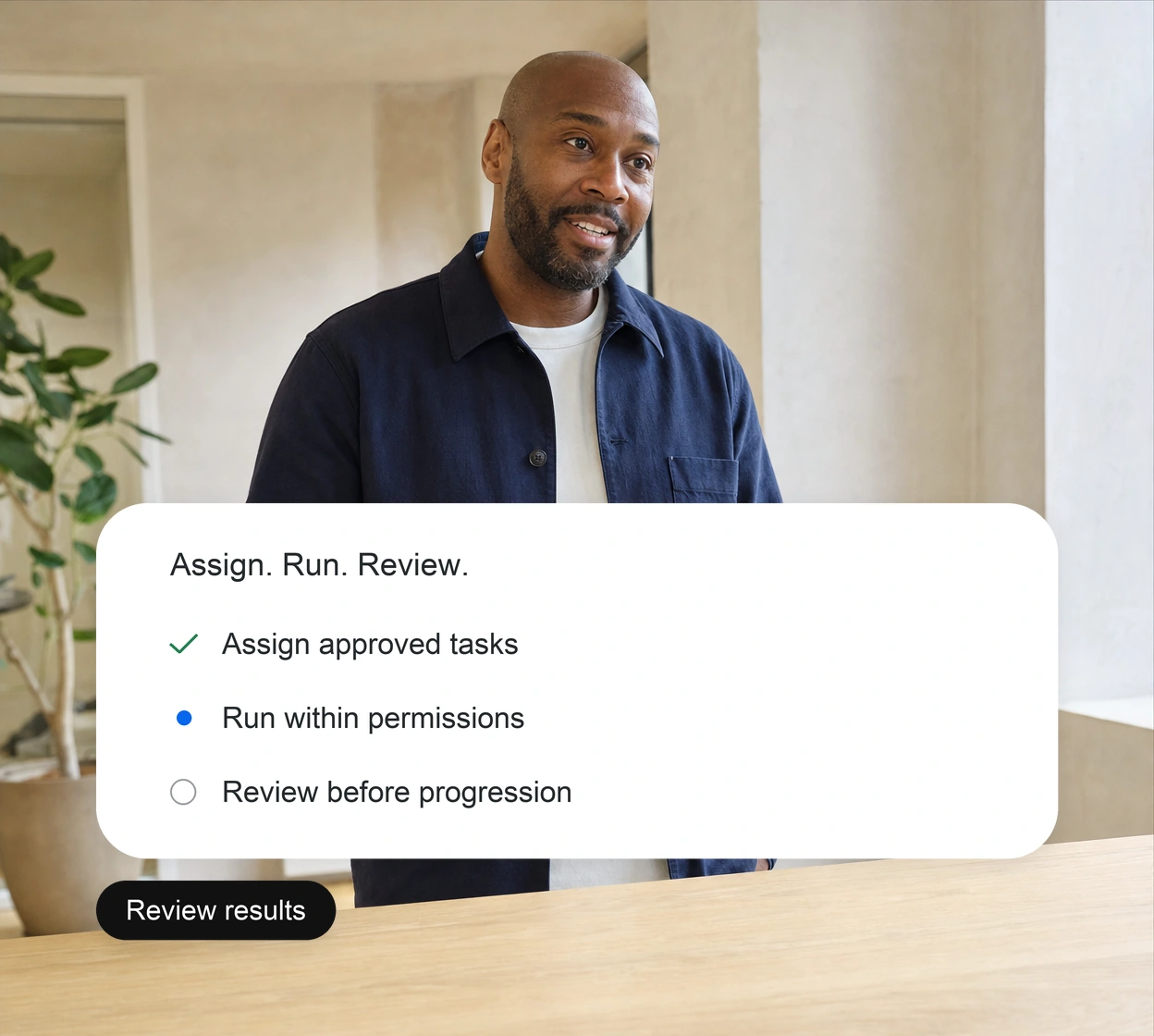
Assign Tasks. Run Workflows. Review Results.
01

Assign

Once your team approves a role and hiring journey, Smaya translates them into structured tasks and assigns them to the right AI employees.

02

Run

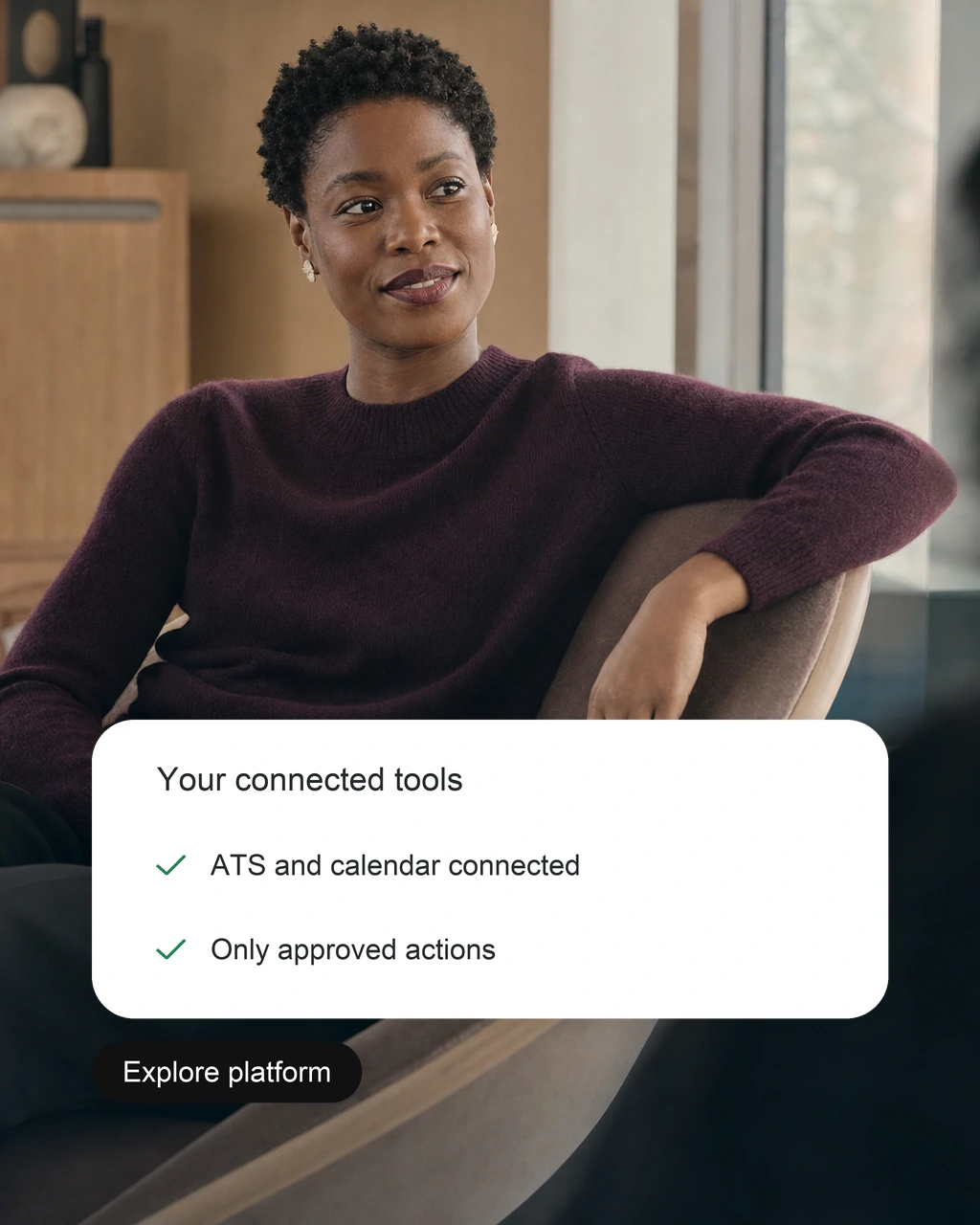
AI employees work across your ATS, calendars, and email, operating only within the access and permissions your team grants.

03

Review

Results come back with scores, notes and open questions. People approve before anything moves on.

WHAT SMAYA USES

Context, permissions and history
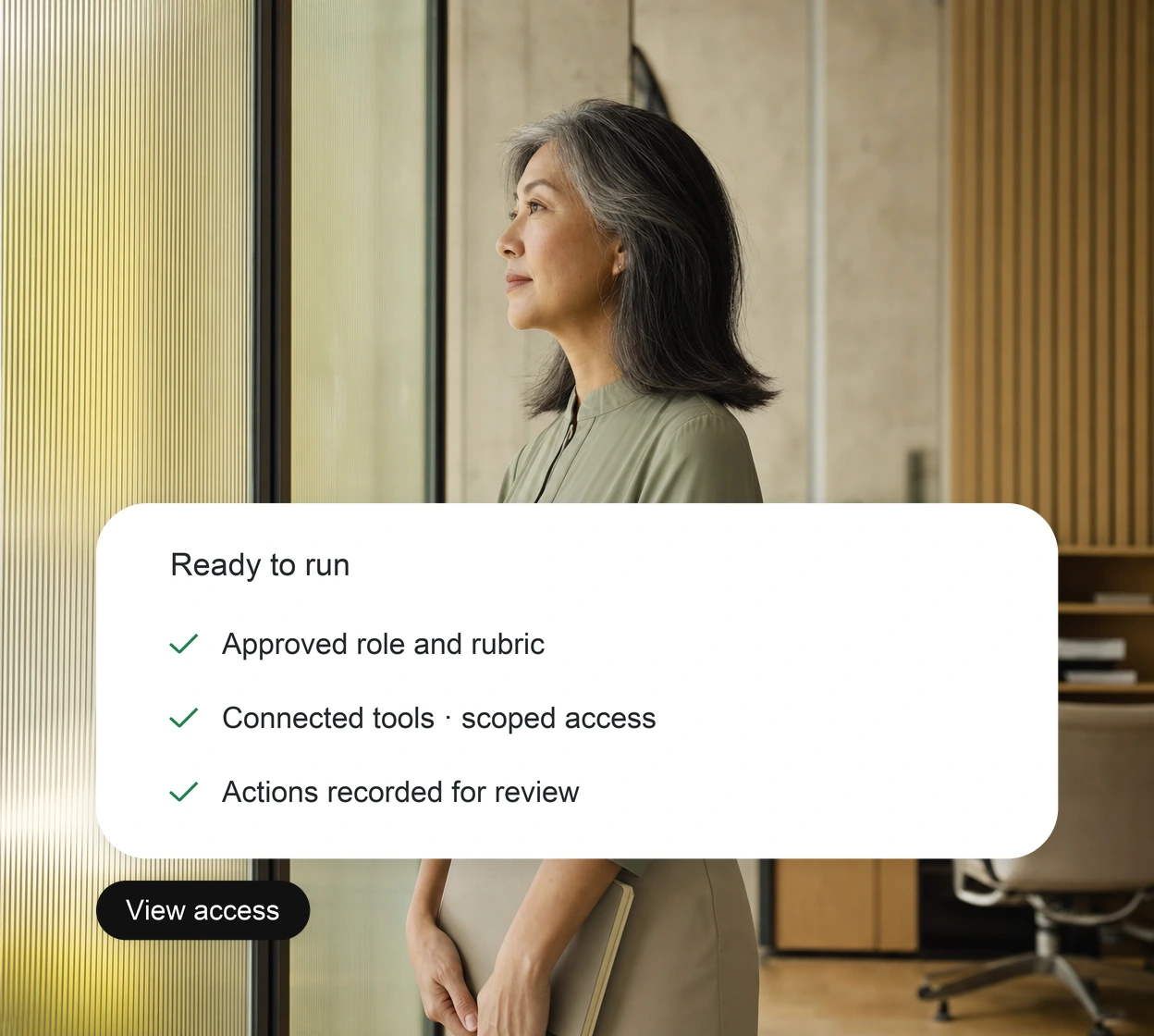
Your context

Every task is guided by your approved role requirements, evaluation rubric, and established hiring policies.

See integrations

01

Connected systems

Connect your ATS, HR systems, calendars, and Microsoft 365.

02

Granted permissions

Each AI employee can only take the actions your team allows.

03

Recorded history

Each action and approval stays in the candidate's history for later review.

WHERE PEOPLE STEP IN

Tasks run. Decisions wait for a person.

01

Approve the plan

Your team signs off the role and the journey before Smaya starts.

02

Handle exceptions

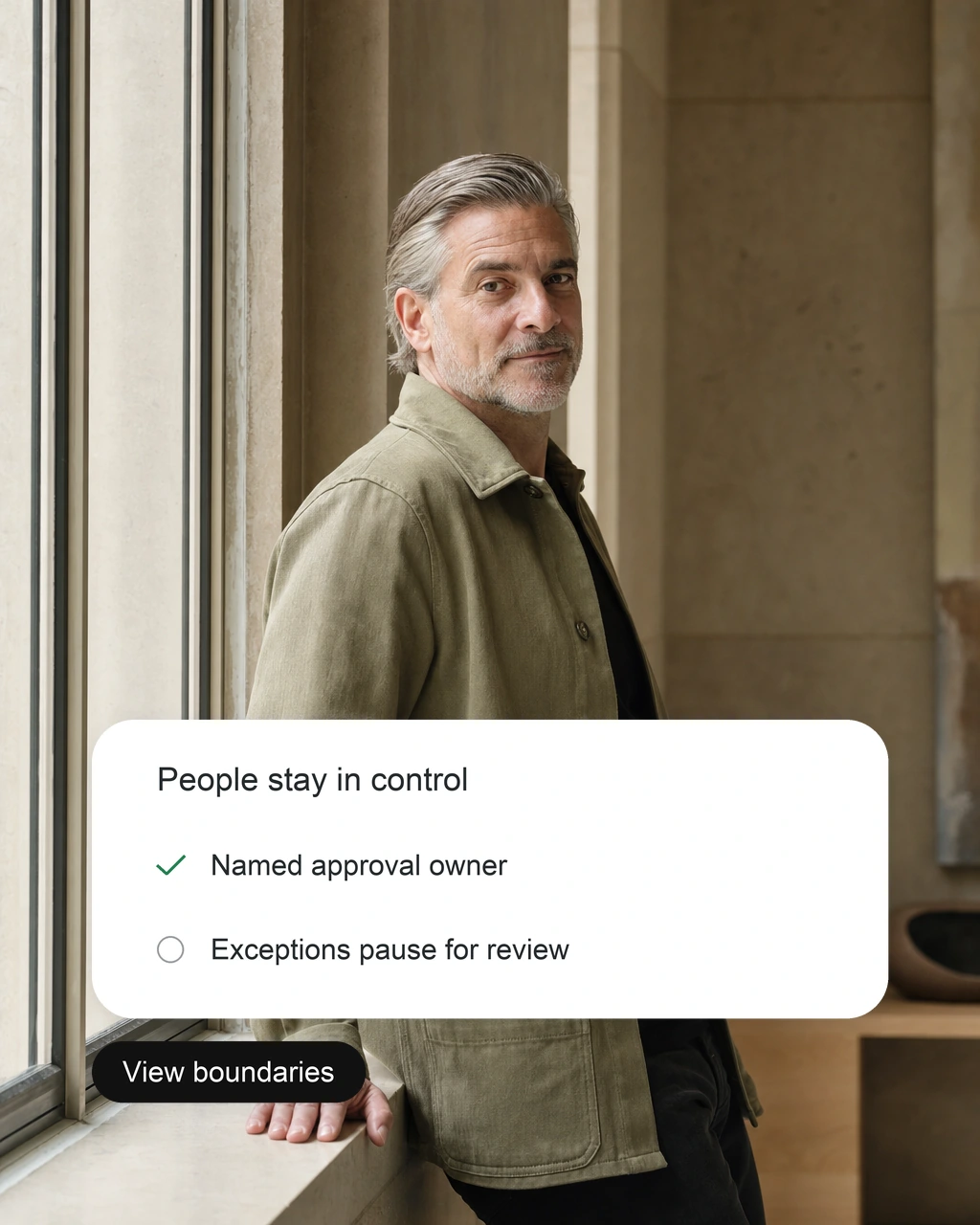
Anything unclear goes to a named owner instead of being guessed.

03

Decide outcomes

Progression and offers always need a person's approval.
FAQ

How it works questions

What to know about setup, rollout and who makes the decisions.
What does Smaya need to start?
An approved role, the journey you want to run, connected systems and named approvers.
Which systems does Smaya work with?
Your ATS or HR system, calendars and Microsoft 365 through supported connections. Confirm your setup during the demo.
Can Smaya act outside its permissions?
No. Each AI employee can only take the actions your team grants.
What happens when something is unclear?
Smaya flags it to a named owner and waits. It does not guess.
Where is the record of what happened?
In Exterview AI. Each action and approval is recorded in the candidate's history for later review.
Where can our security team review details?
Start with the Trust Center, then walk through your security review with our team.
How should we define evaluation criteria?
Agree on the role requirements and how candidates will be scored before you start. Your team approves the criteria and makes every hiring decision.
What should we discuss before rollout?
Walk through scope, users, integrations, data handling and success measures with our team before you agree a rollout plan.
How should candidate information be reviewed?
Review the scores and interview notes against your hiring policies. A recruiter checks gaps and open questions before deciding the next step.
Where can we review security information?
Start with the Trust Center, then walk through your security review with our team.
How are uncertain results handled?
Treat missing or unclear information as a question to investigate. Ask the candidate for clarification through the appropriate hiring step.
What should our team confirm about data handling?
Agree on access, retention and deletion rules with our team before you share candidate data or connect your systems.