Skip to content

ROLE AND RUBRIC BUILDER

Start every hire with a clear role.

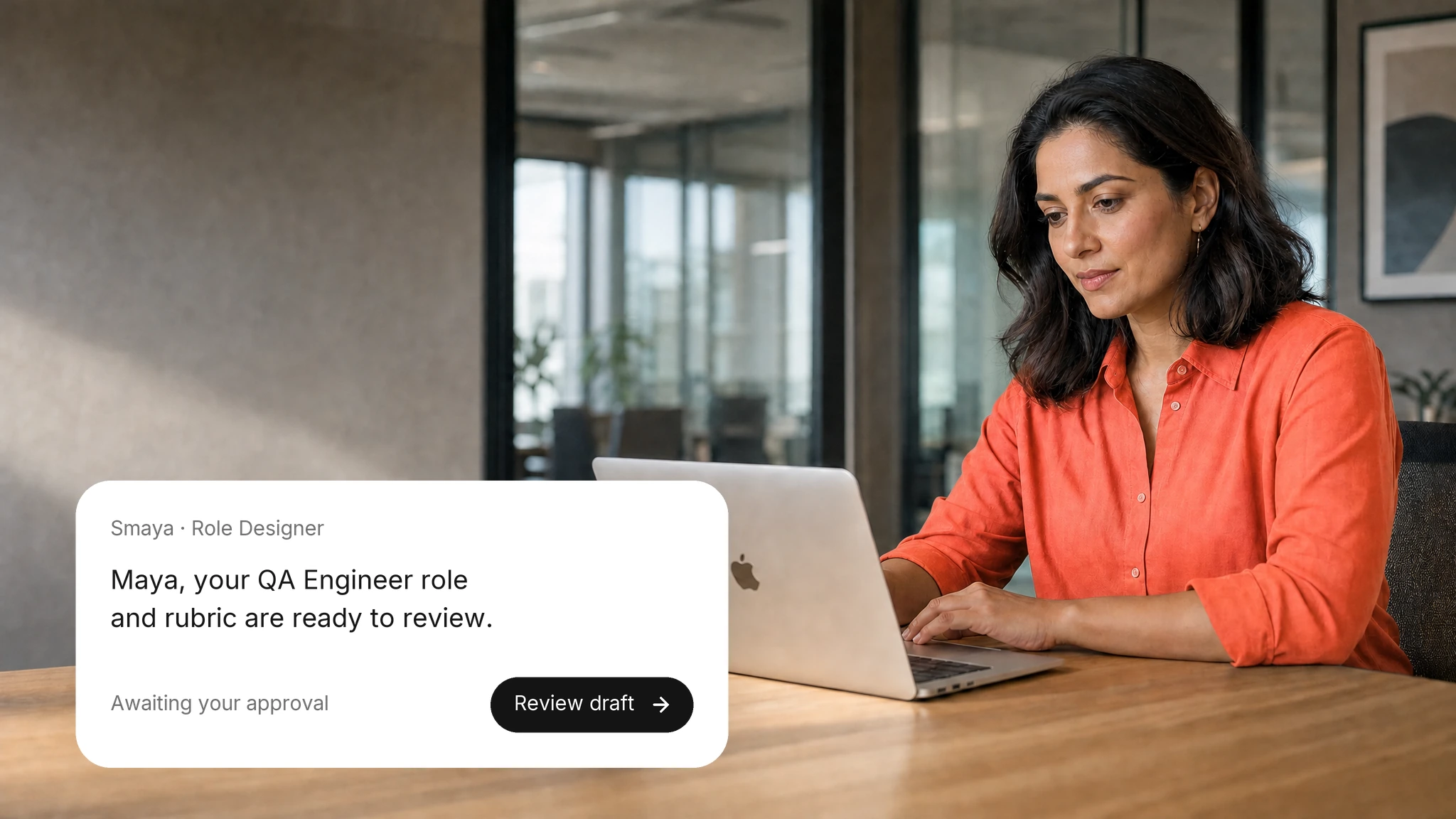
Role Designer turns a hiring brief into a role description and a scoring rubric. Your recruiters and hiring managers review, edit and approve both.
WHY IT MATTERS

One aligned role, start to finish
A brief becomes a role

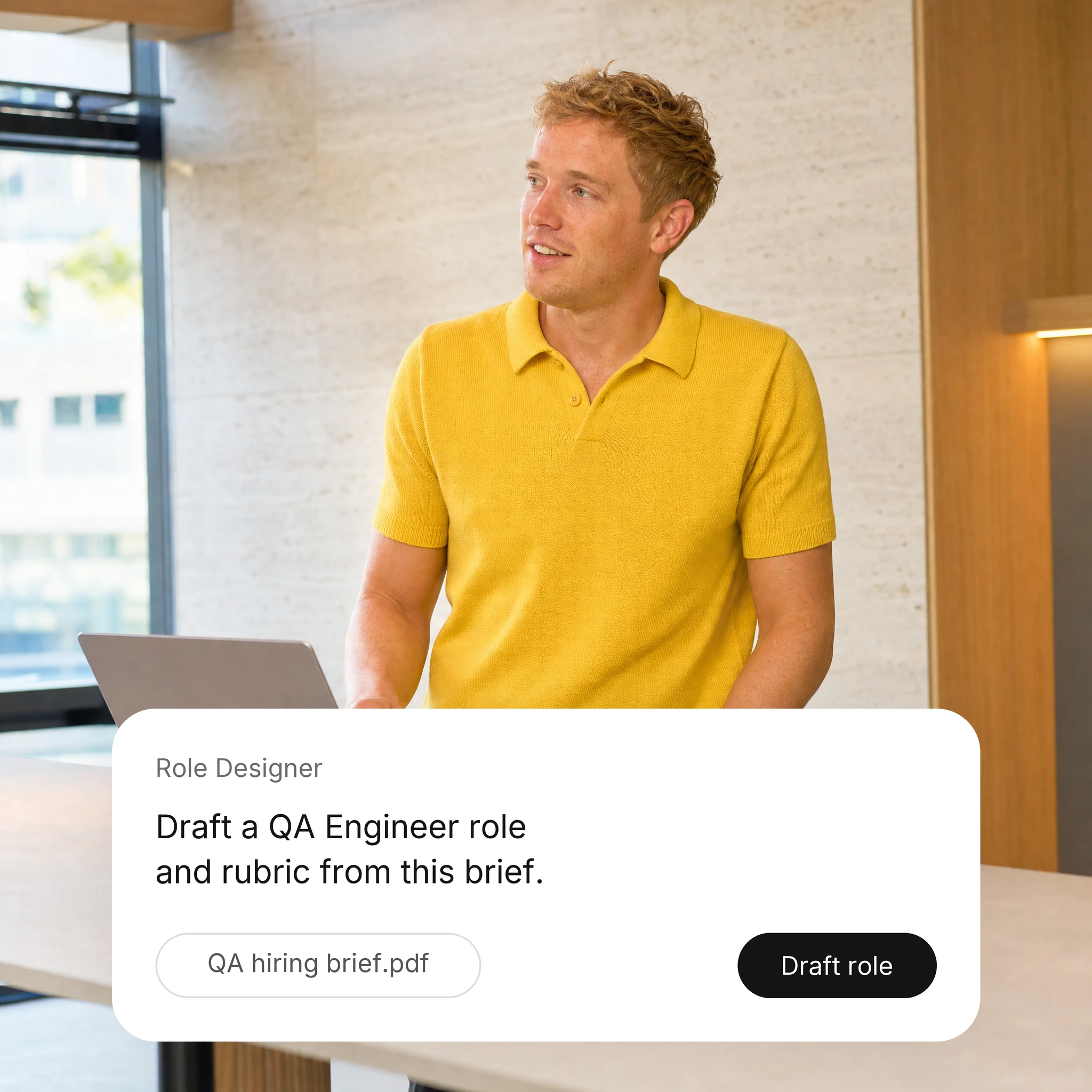
Role Designer drafts the role and rubric from your brief for your team to edit.

Resume Screening

01

Shared criteria

Screening, interviews and reports all use the rubric your team approves.

02

Faster setup

Teams start from a complete draft instead of a blank page.

03

Human decisions

Your team approves the final role. Role Designer drafts; it never publishes on its own.

The AI employees behind role design.
Role Designer AI employee

Role Designer

Turns a brief into a complete, unpublished job.

Hiring workflow

View role
Sourcing Expert AI employee

Sourcing Expert

Builds a ranked, deduplicated talent pool for each job.

Hiring workflow

View role
Screening Expert AI employee

Screening Expert

Screens and assesses applicants against consistent criteria.

Hiring workflow

View role

HOW IT WORKS

From a hiring brief to an approved role
01

Share the brief

Provide the role title, team, experience level, and must-have skills for the position.

02

Draft the role and rubric

Role Designer creates the job description, defines key competencies, and establishes evaluation scoring criteria.

03

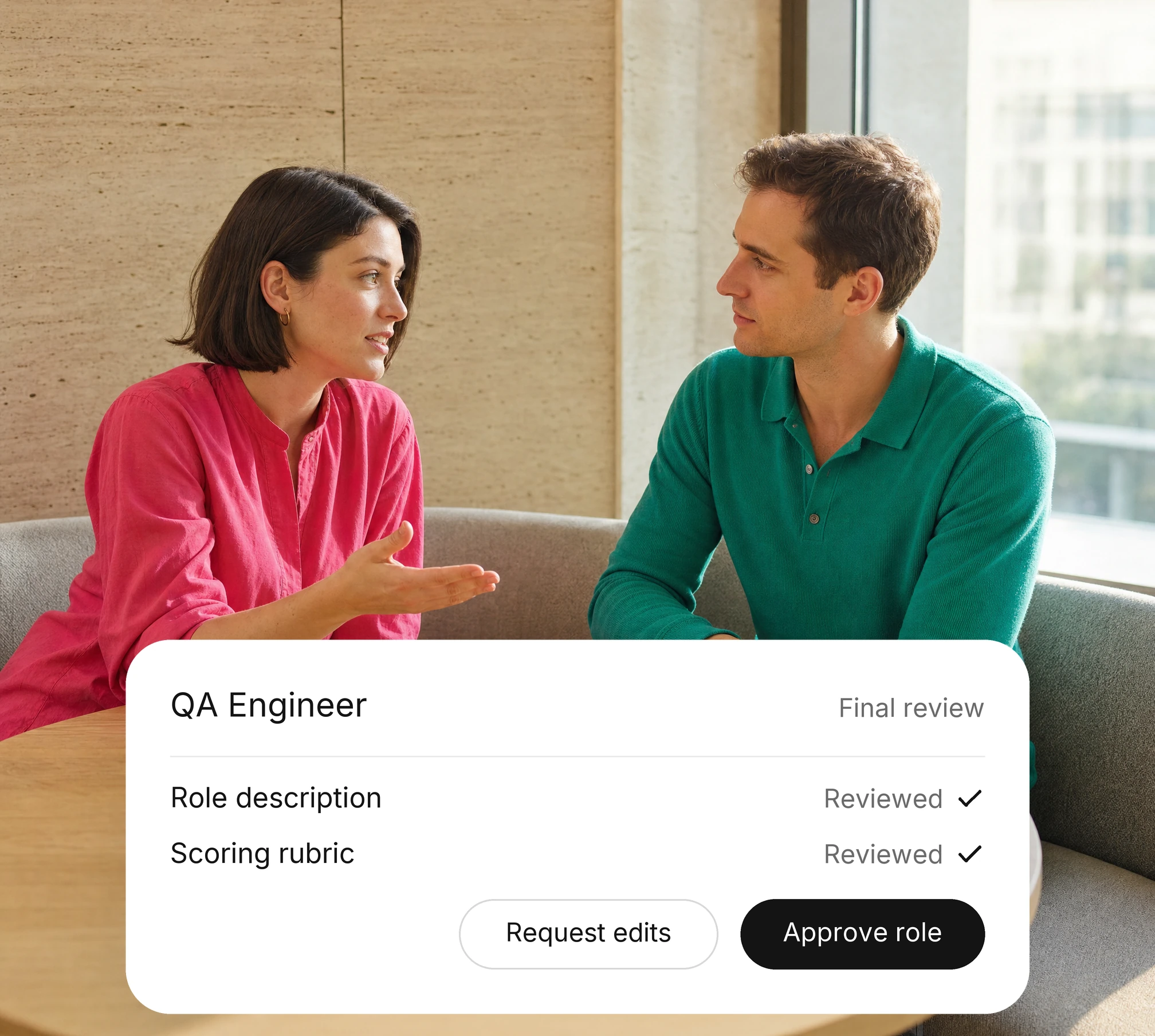
Review and approve

Your recruiter and hiring manager review, edit, and approve the role before it is published.

HUMAN CONTROL

Role Designer drafts. Your team approves.

01

Set the format

Your team agrees the role format and the sections every role needs.

02

Approve every role

Hiring managers sign off the role and rubric before screening starts.

03

Keep the history

Each draft and approval stays on record for later review.

Continue the hiring workflow
01Connect your systems

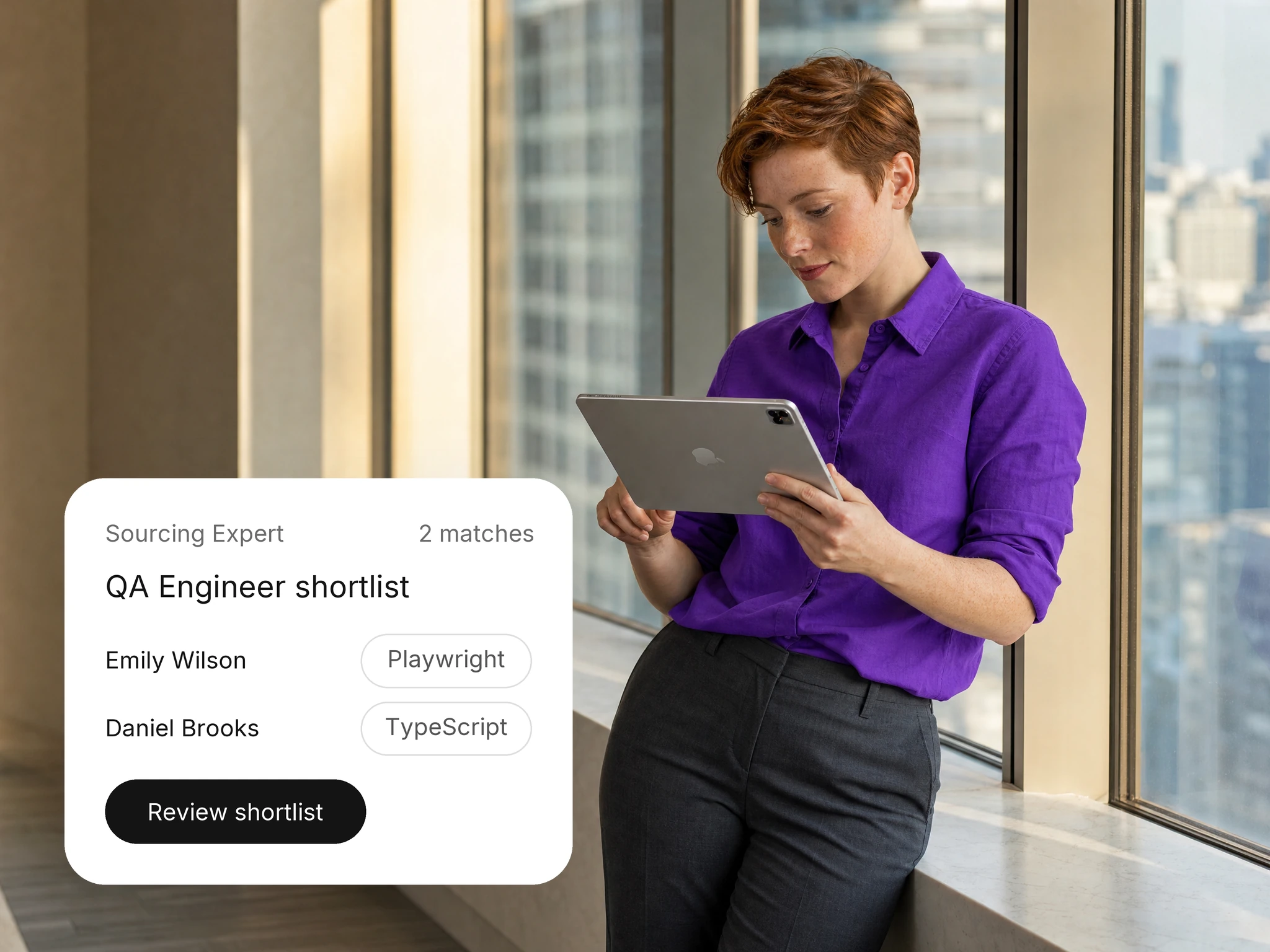
AI Sourcing

Discover and engage relevant candidates who match your role requirements.
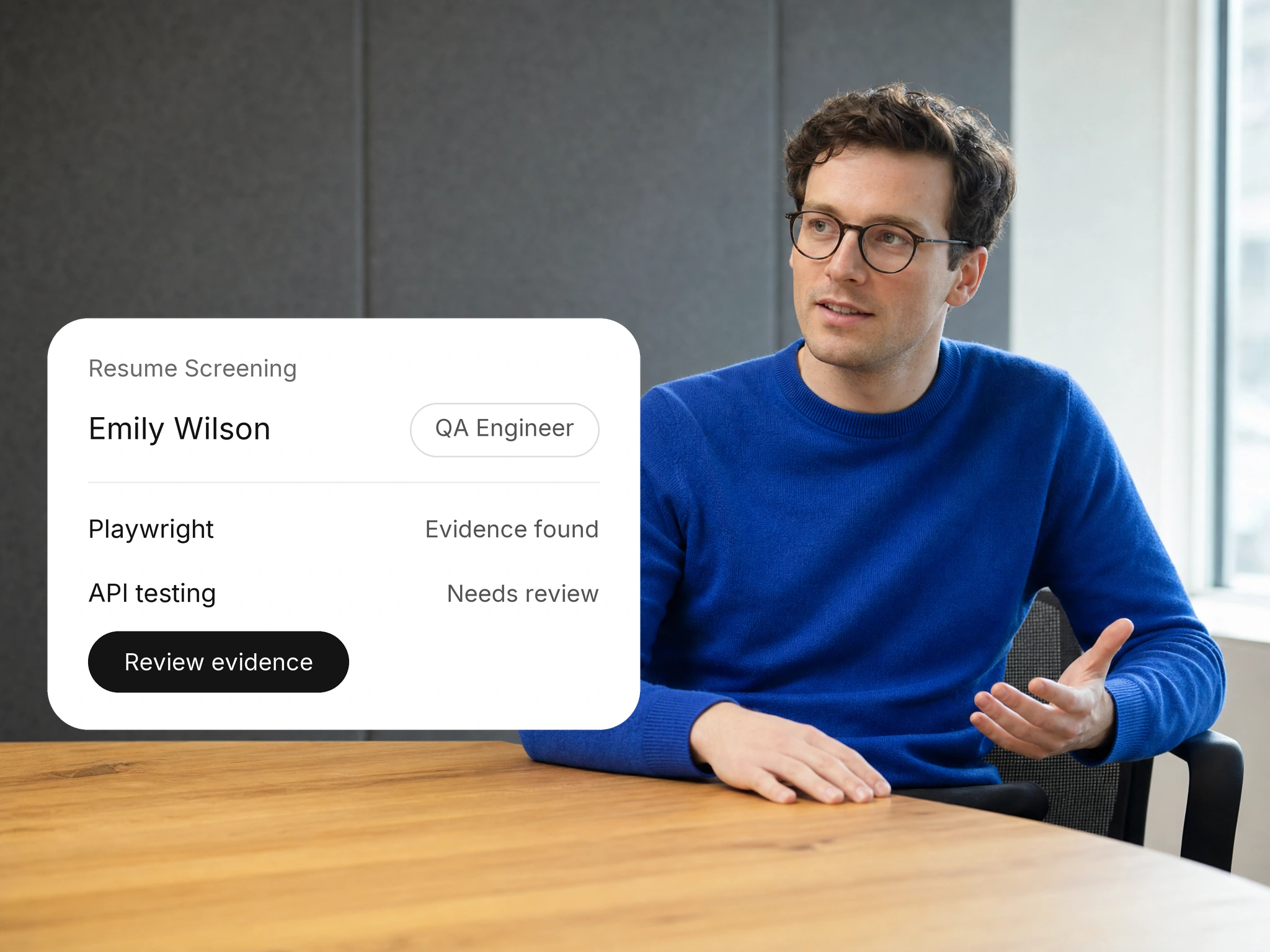
Resume Screening

Screen resumes against role requirements to identify qualified candidates.
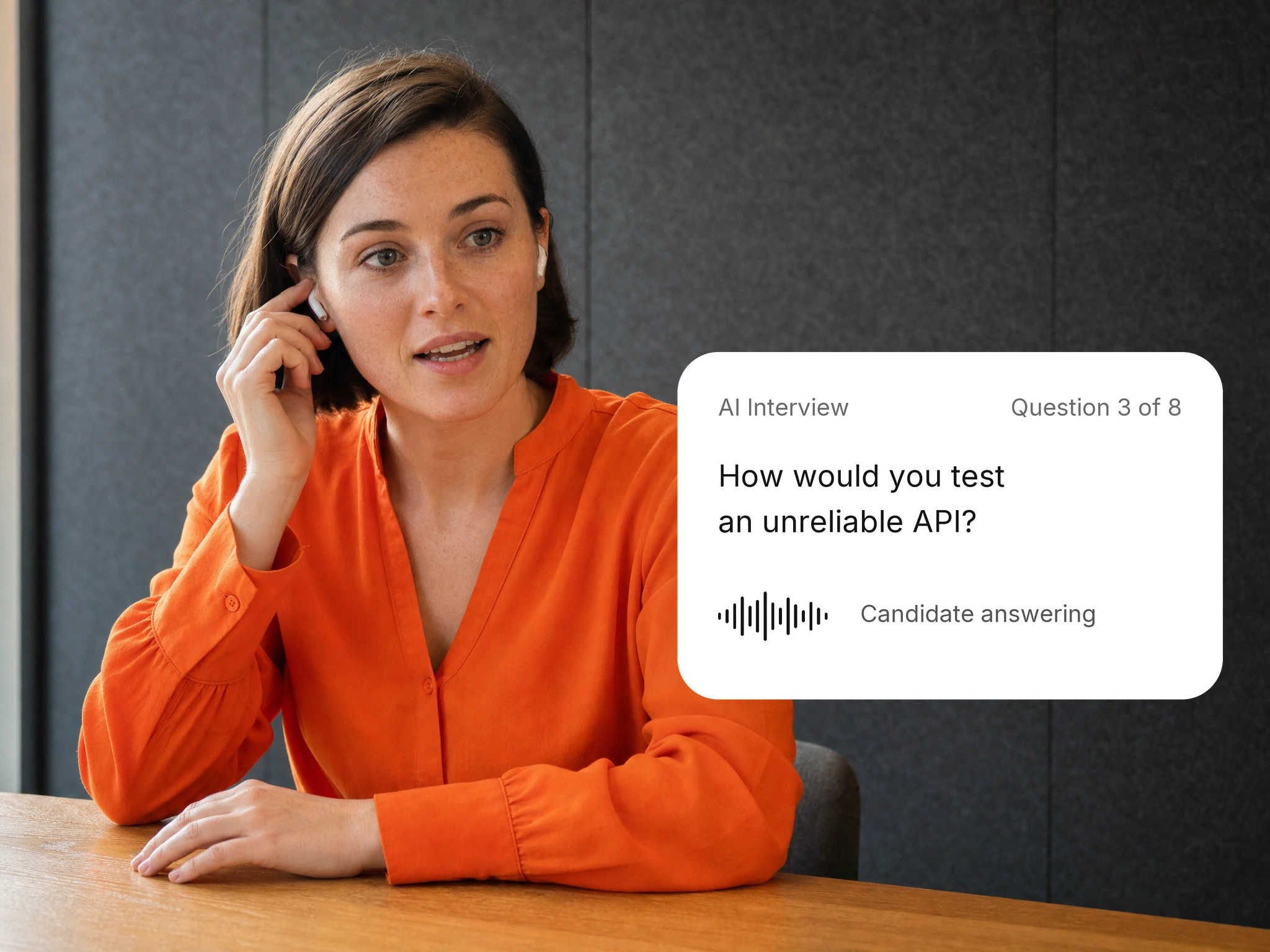
AI Interviews

Conduct structured AI interviews to assess candidate skills and role fit.

FAQ

Role and rubric questions

What to know about setup, rollout and who makes the decisions.
What does Role Designer do?
It turns a hiring brief into a role description and scoring rubric for your team to review.
Who approves the role?
Your recruiter and hiring manager. Role Designer drafts; your team approves before anything is published.
How is the rubric used later?
Screening, interviews and reports use the same approved rubric, so every step assesses the same criteria.
Does a rubric replace human judgment?
No. A rubric structures what reviewers look at. Your team interprets the answers and makes every decision.
What do we need to get started?
A hiring brief, any existing role templates and named approvers.
How does role design fit our existing systems?
Review supported ATS connections, data flow and access requirements with our team. Available actions depend on your configuration.
How should we define evaluation criteria?
Agree on the role requirements and how candidates will be scored before you start. Your team approves the criteria and makes every hiring decision.
What should we discuss before rollout?
Walk through scope, users, integrations, data handling and success measures with our team before you agree a rollout plan.
How should candidate information be reviewed?
Review the scores and interview notes against your hiring policies. A recruiter checks gaps and open questions before deciding the next step.
Where can we review security information?
Start with the Trust Center, then walk through your security review with our team.
How are uncertain results handled?
Treat missing or unclear information as a question to investigate. Ask the candidate for clarification through the appropriate hiring step.
What should our team confirm about data handling?
Agree on access, retention and deletion rules with our team before you share candidate data or connect your systems.