INTEGRATIONS
Connect the systems your workflow needs.
Connect enterprise hiring workflows to the HR systems you already run, including Workday, Oracle, SAP and UKG, plus calendars and Microsoft 365. Confirm what each connection reads or writes, who owns it, and which permissions it needs before rollout.

HR SYSTEMS
Works with the HR systems you already run.
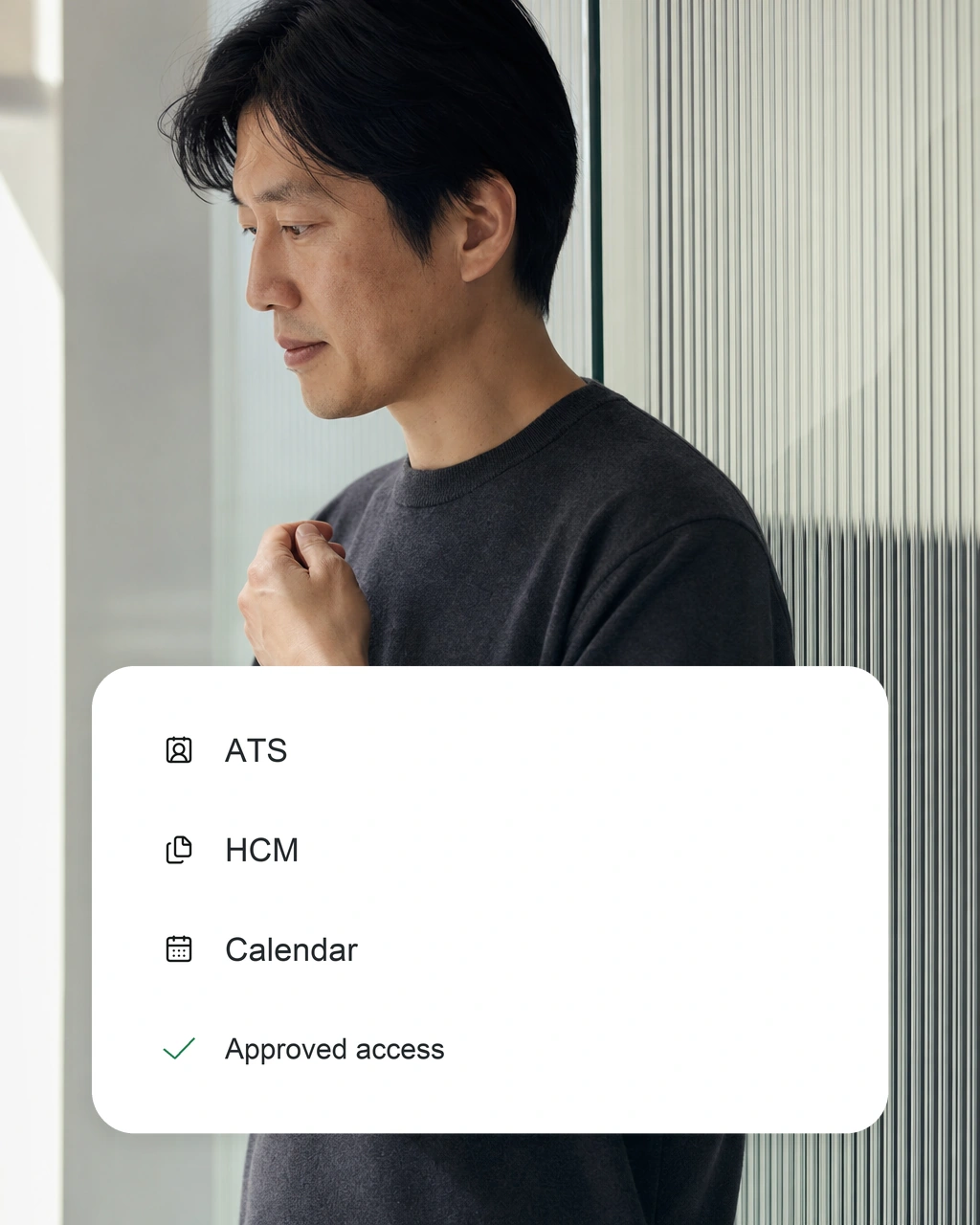
Your HR system, connected
Roles, candidates and decisions sync with the HR system you already use. Microsoft 365 handles interviews, reminders and approvals.
Security01
Workday
Connect Workday Recruiting for roles, candidate records and status updates.
02
Oracle and SAP
Connect Oracle and SAP SuccessFactors for roles, candidates and hiring status.
03
UKG and more
Connect UKG, Darwinbox and other HR systems through supported connections.
PERMISSIONS
Every connection has an owner and a limit.
01
Map the systems
List the systems each workflow needs and what it reads and writes.
02
Grant access
Limit sign-in and permissions to what each connection needs.
03
Test each handoff
Check data, errors and approvals before going live.
ROLLOUT
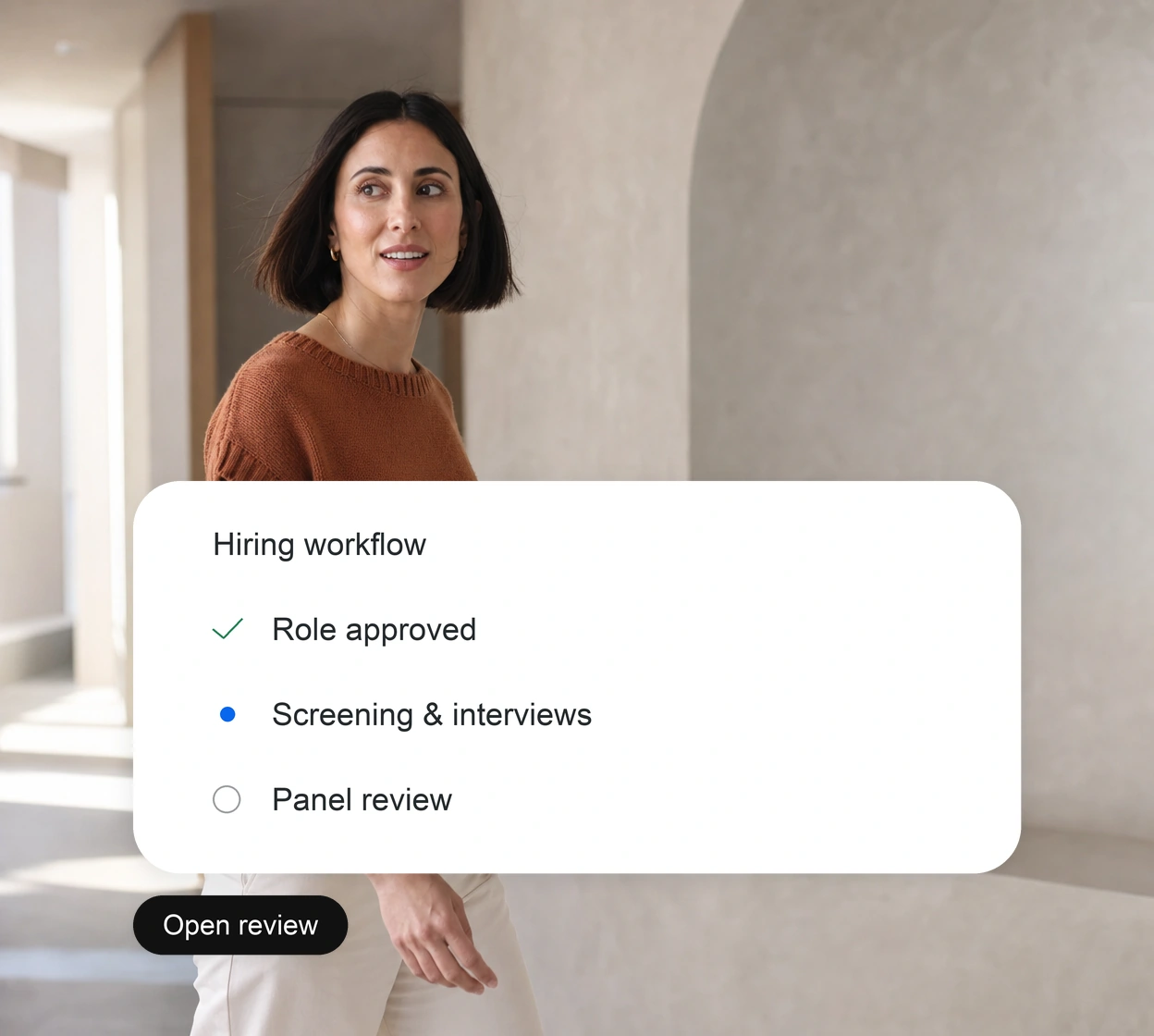
Prove one connection before adding more.
01
Map
Start with one repeatable workflow and the systems it touches.
02
Test
Check supported actions, data and failure handling with your technical team.
03
Operate
Name owners for exceptions, access reviews and changes.
Explore the platform.
See the workflows these connections support, how data is protected and our Microsoft partnership.